
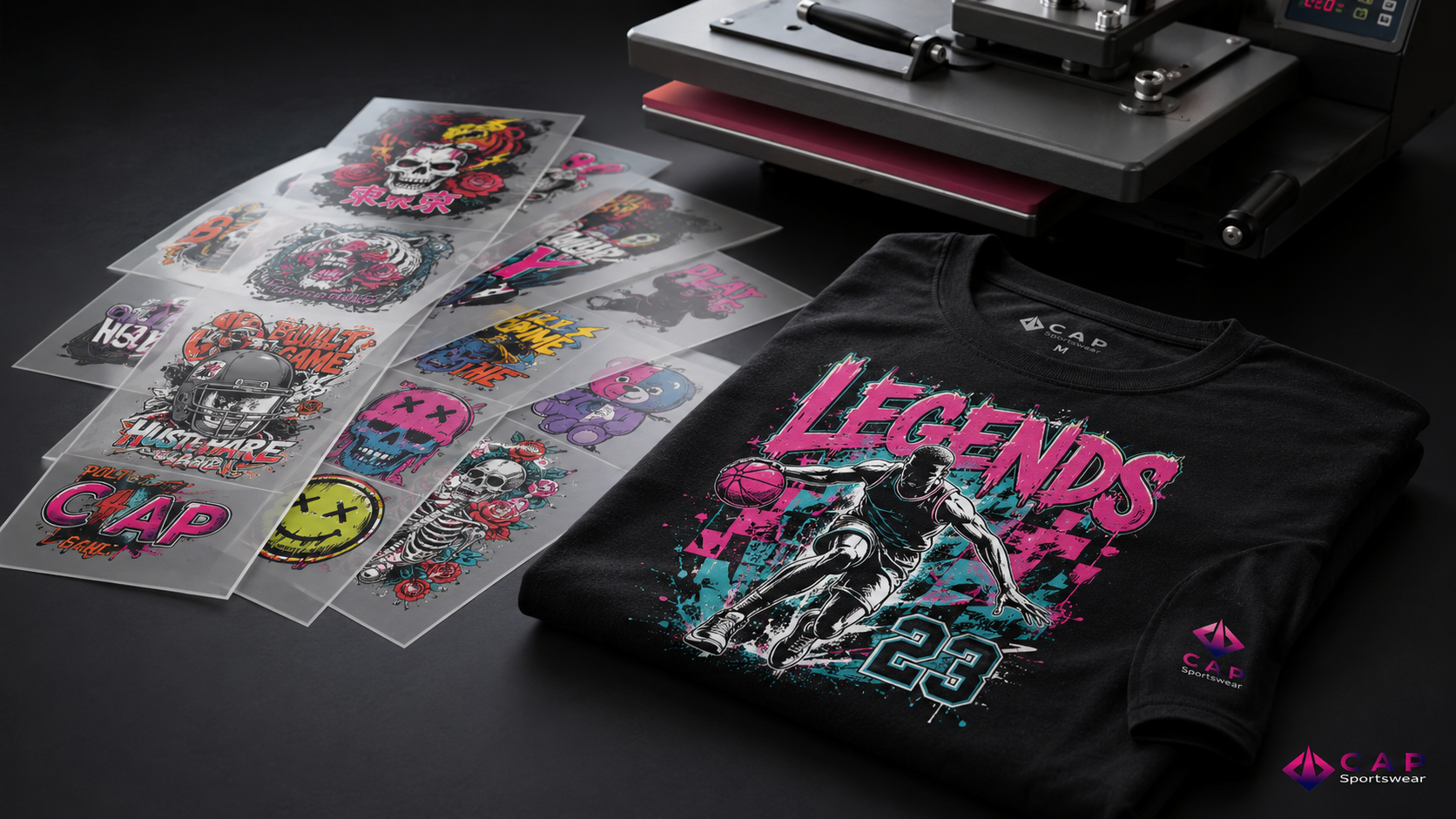
DTF Transfers – By Size
From: $1.25
You save (%)
Pick your transfer size and upload your PNG (300 DPI, transparent background). We print exactly as sent. Minimum 5 per size. Turnaround ~2 business days.
Description
Pick your transfer size and upload your PNG (300 DPI, transparent background). We print exactly as sent. Minimum 5 per size. Turnaround ~2 business days.
Additional information
| Size | 2" x 2" (Tag Label), 4" x 2" (Hats / Sleeves), 4" x 4" (Chest / Back Neck / Hats), 4" x 14" (Long Sleeves / Pants), 6" x 4" (Small Front/Back / Bag), 6" x 6" (Small Front/Back / Bag), 8" x 8" (Small-Medium Front/Back), 9" x 9" (Medium Front/Back), 10" x 10" (Large Front/Back), 11" x 11" (Large Front/Back), 12" x 6" (Half Front/Back), 12" x 9" (Full Horizontal), 12" x 12" (Full Front/Back), 12" x 17" (Max Visibility) |
|---|
How to Apply Your DTF Transfer (Heat Press)
- Pre-press the garment 2–3 seconds to remove moisture and wrinkles.
- Place the transfer where you want it.
- Press: 300–320°F (150–160°C) for 12–15 seconds, medium-firm pressure.
- Peel warm: peel the film smoothly while still warm.
- Re-press 5–10 seconds with a Teflon sheet or parchment for durability.
No press? Use a home iron on the highest cotton setting, no steam, firm pressure ~20 sec over parchment. A heat press lasts longer.
Wash & Care
- Wait 24 hours before first wash. Turn inside out; wash cold, gentle.
- No bleach, no dry clean. Tumble dry low or hang. Don't iron directly on the design.
Handling & Storage
Store transfers flat, at room temperature, away from sunlight and moisture. Send a 300 DPI PNG with transparent background — we print exactly as sent.
Related products
-
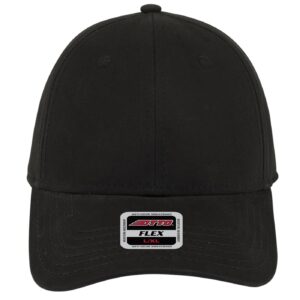
Custom OTTO FLEX Everyday Twill Cap
From: $7.19
You save (%) Select options This product has multiple variants. The options may be chosen on the product page -

Custom Banner
From: $23.99
You save (%) Select options This product has multiple variants. The options may be chosen on the product page -
UV DTF Gang Sheet
From: $3.99
You save (%) Select options This product has multiple variants. The options may be chosen on the product page -
Custom Coffee Cup
$8.95 Add to cart
Reviews
There are no reviews yet.